TextLogo Text logo ideas
Text Logo Ideas: 14 Examples You Can Make for Free
A good text logo idea is one font that fits the business plus one small twist: a colored first letter, a gradient, wide letter spacing, a glow or a simple icon. The 14 text logo ideas below show that formula for six kinds of brands.
Every example on this page was made in the free TextLogo text logo maker and exported straight from the editor. The brand names are made up, so treat them as starting points, not logos to copy. Under each group you will find the font and the settings used, so you can rebuild any idea with your own name in a few minutes.
Food and drink text logo ideas
Food brands want to look warm and inviting. Rounded scripts, soft serifs and fresh colors work well, and a short tagline tells people what you sell.
- Saltbread: Fraunces at weight 900 for a hearty, bakery feel. A thin rectangle shape under the name works as a rule, and the tagline is set in capitals with extra letter spacing.
- juno juice: Poppins 800 with Case set to lowercase (aa) and Fill set to Gradient, from green to lime. Lowercase makes a drink brand feel relaxed.
- Little Crumb: Pacifico in raspberry pink with a cupcake icon from the Icons tab. Script fonts read best with a capital first letter and lowercase after it.
Tech and app text logo ideas
Tech logos are usually clean sans serifs, often in lowercase, with one detail that makes them recognizable at the size of an app icon.

- nimbus: Outfit 800 in lowercase with letter spacing at −4, so the letters almost touch. Under Letters, only the first letter gets a blue color.
- Orbitly: Sora 700 for the name, plus a rounded rectangle shape and a white rocket icon on top. The square symbol doubles as the app icon or favicon.
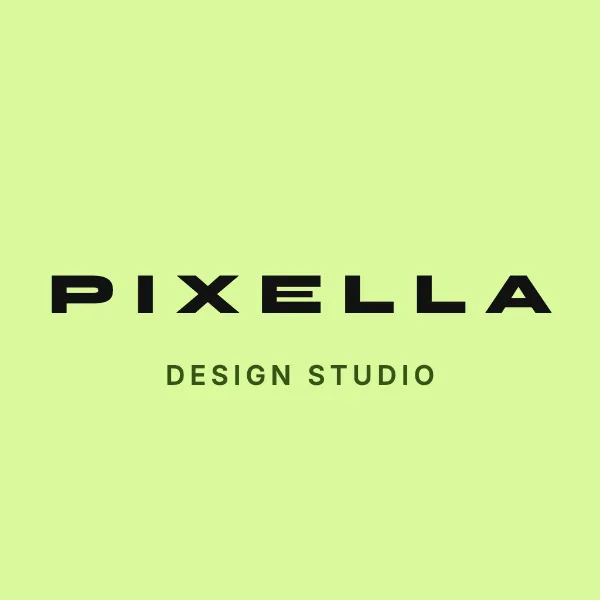
- Pixella: Syne 800 in capitals with letter spacing at 30. Very wide spacing on a bold, simple font looks like a design studio or agency.
Sports and fitness text logo ideas
Sports and fitness brands need energy. Condensed capitals, heavy weights and italics suggest speed, and a bold icon gives teams a mark for shirts and profile pictures.
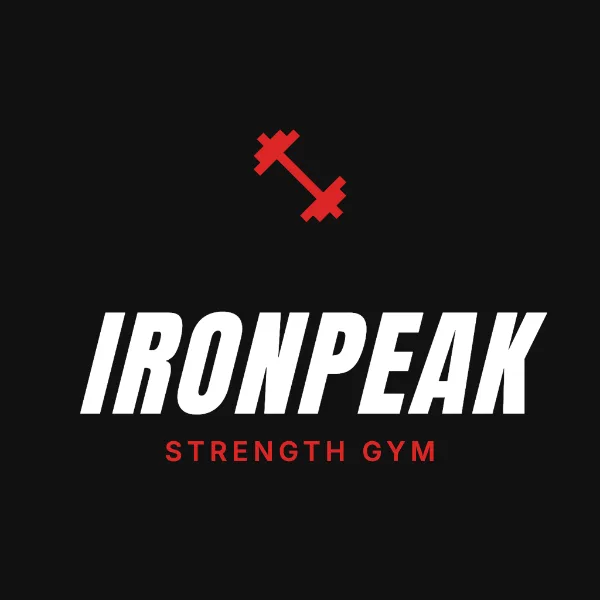
- Ironpeak: Anton in capitals with Italic turned on, white on black, with a red dumbbell icon and a red tagline.
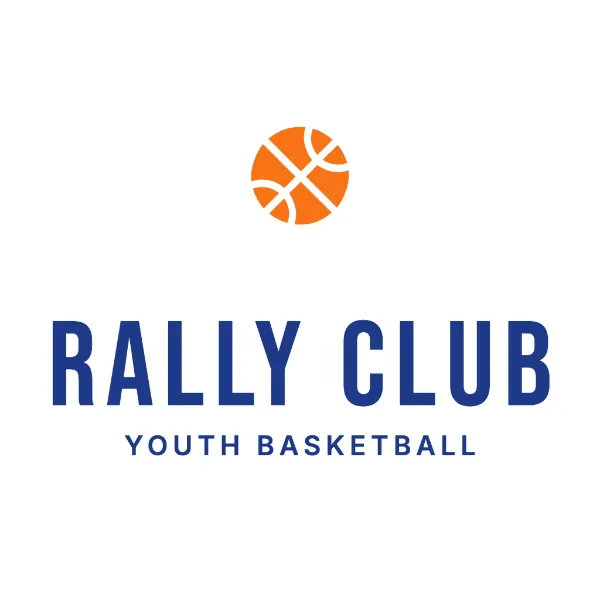
- Rally Club: Bebas Neue with a little extra letter spacing in navy, and an orange basketball icon above it. Bebas Neue has capital letters only, which suits team names.
Fashion and beauty text logo ideas
Fashion and beauty logos rely on contrast and space: high-contrast serifs, wide capitals and soft color.
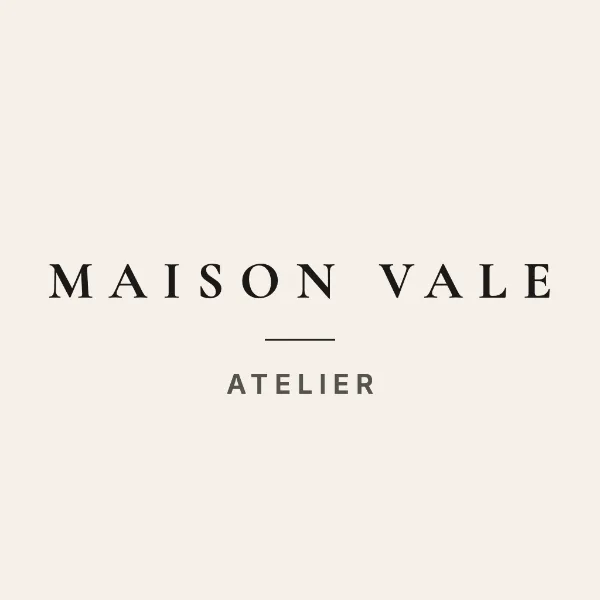
- Maison Vale: Cormorant Garamond 700 in capitals with letter spacing at 30, a thin black rule and a small tagline. Thin serifs like this look best large, so pair it with an initial for small sizes.
- Glow Lab: Playfair Display 900 with a pink-to-orange gradient fill. The gradient adds color without needing an icon.
Personal brand and creator text logo ideas
For a photographer, designer or freelancer, the name is the brand. A signature-style script feels personal, and an initial in a circle gives you a profile picture.

- Mia Torres: Great Vibes for a handwritten signature look, with a spaced Inter tagline underneath so the line stays easy to read.
- Studio Kai: Montserrat 900 in capitals on a terracotta background. The K is its own text layer on a white circle shape, so it can be exported alone as a monogram.
Gaming and streaming text logo ideas
Gaming and streaming logos are loud on purpose. Futuristic or chunky display fonts, neon colors and dark backgrounds look right next to a stream or a channel banner.
- NovaPlays: Orbitron 900 in cyan with Shadow or glow switched on in the same cyan, X and Y at 0 and Blur at 40, which turns the shadow into a neon glow on a near-black background.
- PixelFox: Bungee in orange on purple with a game controller icon. Bungee's blocky letters look like arcade signage.
6 ways to turn a text logo idea into your own
These are the twists used above. Each one is a setting in TextLogo, and one twist per logo is usually enough.
- Color one letter. Click a letter under Letters and give it its own color, like nimbus.
- Use a two-color gradient. Set Fill to Gradient and pick two colors that sit close together, like juno juice and Glow Lab.
- Space out the capitals. Set Case to AA and raise Letter spacing, like Pixella and Maison Vale.
- Add a glow on a dark background. Turn on Shadow or glow, pick the text color as the shadow color, set X and Y to 0 and raise Blur, like NovaPlays.
- Put an icon on a shape. Add a rounded rectangle or circle with the Shape button and an icon on top, like Orbitly.
- Make an initial version. Put the first letter on a shape, like Studio Kai, so you have a mark for favicons and profile pictures.
Make a text logo from one of these ideas
Open the text logo maker and type your own brand name. Choose the font named under the idea you like in the Fonts tab, then copy the settings listed above: case, letter spacing, fill, letter colors, icon and background. Check the result on the Small icon canvas, then download a PNG with a transparent background, an SVG and a favicon. For more font choices, see the best fonts for a text logo, and for the whole process step by step, read how to make a text logo. If you would rather start from a finished layout, the text logo templates apply a full design in one click.