TextLogo How to make a text logo
How to Make a Text Logo
To make a text logo, write down your brand name, choose one font that fits the brand, set the case and letter spacing, pick one or two colors, give the name one small detail people remember, check that it still reads at icon size, and export a PNG with a transparent background plus an SVG. You can do every step below for free in the TextLogo text logo maker, with no sign-up and no watermark. It usually takes 10 to 20 minutes.
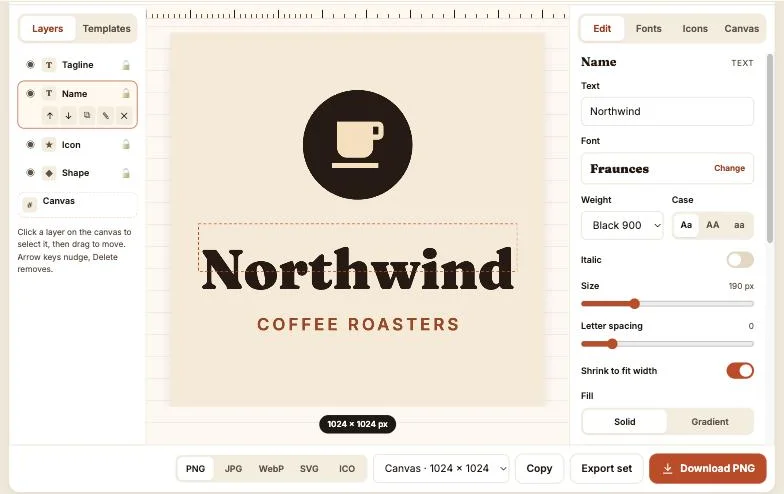
What you need before you start
- The exact name, spelled the way it will appear everywhere. Short names give you more freedom with big type.
- An optional tagline of two to five words, such as "Coffee Roasters" or "Design Studio".
- A list of places the logo will live: a website header, a social profile picture, a favicon, packaging, a YouTube banner. This decides the canvas shape and the files you export at the end.
Step 1: Start from a template or a blank canvas
Open the Templates tab and click through a few of the 20 templates. Every preview shows your own brand name, so you are judging your name, not an example. If one is close to what you want, apply it: every layer stays editable. If none fits, press New for an empty 1024 × 1024 canvas and add a Text layer.
Step 2: Choose a font that matches the brand
The font does most of the work in a text logo. Select the name layer, open the Fonts tab and filter by group:
- Sans (Inter, Montserrat, Poppins, Space Grotesk) reads as modern, clean and technical.
- Serif (Playfair Display, Fraunces, DM Serif Display) reads as editorial, traditional or premium.
- Script (Pacifico, Caveat, Dancing Script) reads as personal, handmade or friendly.
- Display (Bebas Neue, Anton, Unbounded) is loud and works for sports, events and channels.
Click through five or six fonts in one group and keep the two that feel right. Compare those two side by side, then pick one. Use one font for the name and, at most, a second, quieter one for the tagline. The Fonts tab searches all 1,900+ Google Fonts, so if you already have a font in mind, type its name. For live samples of 23 good choices and safe pairings, see the best fonts for a text logo.
Step 3: Set the weight, case and letter spacing
In the Edit tab, try the weight menu first: a bold weight carries a short name, a lighter weight suits a long one. Then try the three case buttons, Aa, AA and aa:
- AA (all capitals) looks stable and formal. Add letter spacing so the capitals breathe; the Luxe template uses wide spacing for this reason.
- aa (all lowercase) looks relaxed and approachable, common for apps and tech products.
- Aa keeps the name as you typed it.
The Letter spacing slider runs from tight (−15) to very wide (80). Tight spacing makes a bold name look like one solid shape; wide spacing makes a thin name look elegant. If a long name runs off the canvas, turn on Shrink to fit width instead of making the font smaller by hand.
Step 4: Pick one or two colors
Give the name one color and the tagline a second, softer one. That is enough for most text logos. A gradient fill can work for a bold display font, but keep it to two close colors. Set the background in the Canvas tab: Solid, Linear or Radial gradient, or None for a transparent background.
Step 5: Give the name one detail people remember
A plain name in a good font is a fine logo, but one small twist makes it yours. Under Letters in the Edit tab, click a single letter to style it on its own: give it another color, make it larger, raise or lower it, rotate it, or replace it with an icon.
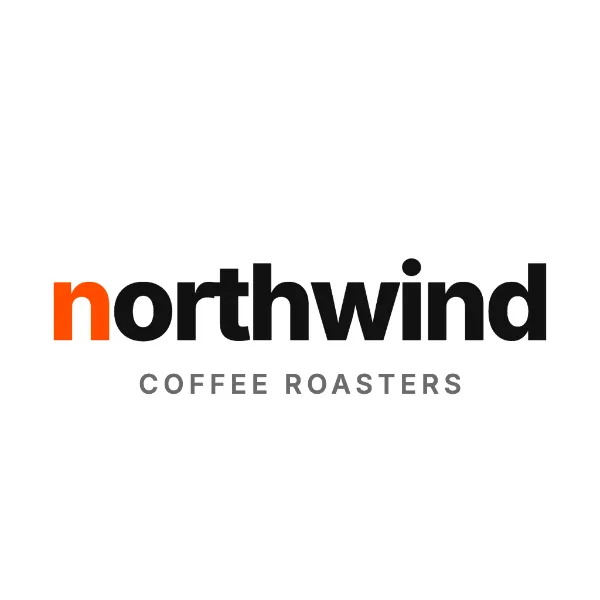
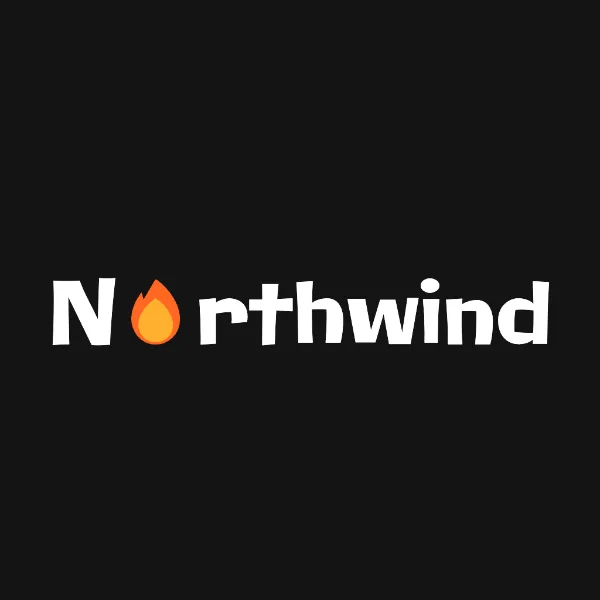
Pick only one of these ideas. Two or three twists in one name start to fight each other.
Step 6: Add a symbol if the logo has to work small
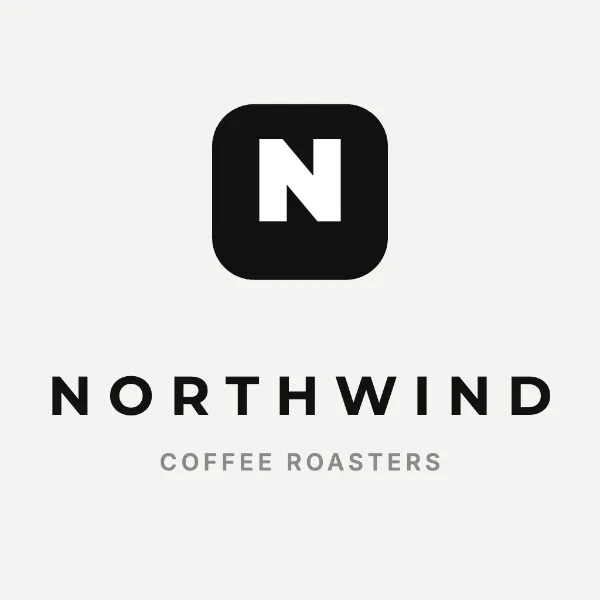
A long name cannot be read inside a 32 px favicon or a round profile picture. If you need a small version, make a second design: the first letter or a simple icon on a shape. Use the Icon button to search about 70,000 open-source icons and the Shape button to add a rounded rectangle, circle or hexagon behind it.
Step 7: Test it small and on a dark background
Before you export, check the logo the way people will actually see it:
- In the Canvas tab, switch to the Small icon size (512 × 512) and look at the canvas from a distance. If thin letters disappear, choose a heavier weight or less letter spacing.
- Change the background to a dark color. If the name no longer stands out, make a second, light version of the colors.
- Read the name out loud from the screen. If a script font makes one letter look like another, switch fonts.
Step 8: Export the files you need
Pick a format and size below the canvas and press Download:
| You need it for | Download |
|---|---|
| Websites, documents, social posts | PNG with Background set to None (transparent) |
| Print, Figma, Illustrator, any size | SVG, which embeds the letters and icons you used |
| Browser tab icon | ICO, with 16 to 256 px sizes inside |
| Slides and email, smallest file | JPG (no transparency) |
To get several files at once, open Export set and tick, for example, PNG 1024, PNG 512, SVG and favicon.ico; you get one ZIP. Your design is drawn and exported in your own browser and is never uploaded, and your last design stays saved in that browser.
Common text logo mistakes
- Too many fonts. One for the name, at most one for the tagline.
- Effects instead of type. A heavy shadow, glow and outline together hide a weak font choice. Start with no effects and add one only if the logo looks flat.
- Spacing left at the default with all capitals. Capitals almost always need extra letter spacing.
- Only one version. Make a light and a dark version, and a small square version if you need a favicon or profile picture.
- Copying another brand. Do not imitate an existing company's logo. If you plan to register your logo as a trademark, ask a trademark professional first.
Text logo questions
Is a text logo the same as a wordmark? Yes. A text logo, wordmark and logotype all mean a logo built mainly from the letters of the name. A lettermark or monogram uses only the initials.
Can I make a text logo in Canva, Illustrator or Inkscape instead? Yes. In a vector program you type the name, adjust kerning and convert the text to outlines so it looks the same everywhere. TextLogo does the font embedding for you when you download an SVG, so you do not need to install the font.
Can I use the logo commercially? The fonts come from Google Fonts under open licenses such as the SIL Open Font License, and the icons from open-source sets under MIT, ISC or Apache 2.0 licenses, which allow use in logos. The Terms of Use explain the details.